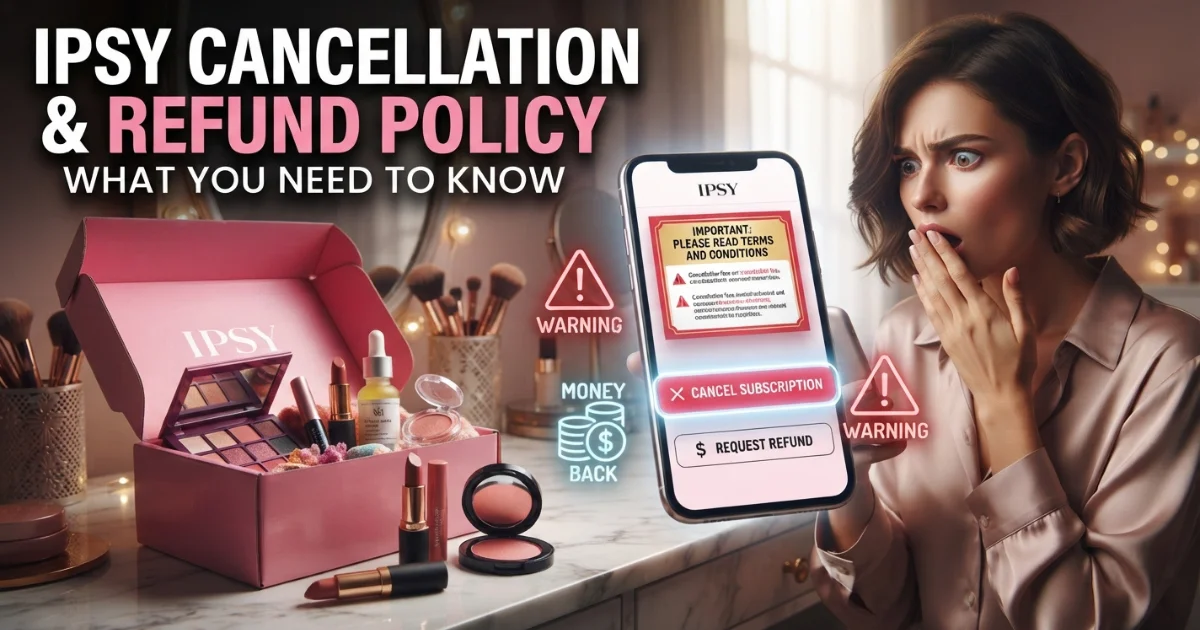
Trying to cancel Ipsy and wondering if you’ll actually get your money back? You’re not alone. Thousands of subscribers search for the Ipsy cancellation and refund policy every month, and the answer isn’t as simple as clicking one button.
This guide breaks down exactly how Ipsy billing works, how to cancel without getting charged again, and when a refund is actually possible.
How Ipsy’s Subscription Billing Works
Before you cancel anything, it helps to know how Ipsy charges you in the first place.
Ipsy runs on an auto-renewal model. That means your subscription — whether it’s Glam Bag, Glam Bag Plus, or Icon Box — automatically bills your card on your renewal date unless you cancel first.
Monthly plans renew every 30 days. Annual plans renew once a year, but you’re billed the full amount upfront.
The renewal charge often processes a few days before the box ships. So if you cancel after that charge hits but before the box arrives, you’ve already paid for that cycle. This single detail explains most of the confusion around Ipsy’s billing. For more info: Subscription Box Return and Cancellation Policies Explained
How to Cancel Your Ipsy Subscription
Canceling Ipsy is straightforward, but the steps differ slightly depending on your plan type.
How do I cancel my Ipsy subscription? Log into your Ipsy account, go to Account Settings, then Membership, and select Cancel Subscription. You’ll get a confirmation email once it’s processed.
For annual members, cancellation stops future renewals, but it doesn’t automatically refund the year you already paid for — more on that below.
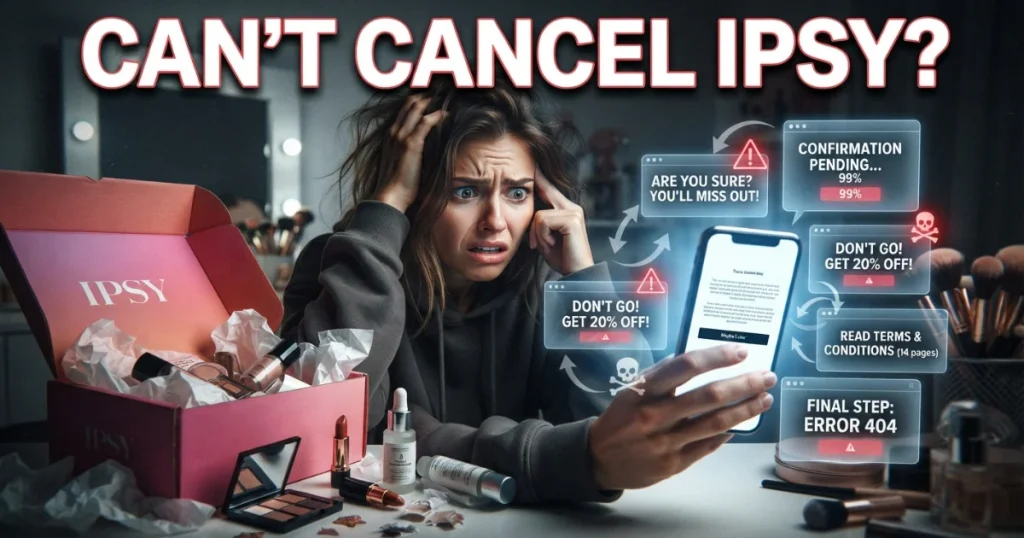
Why can’t I cancel my Ipsy membership? This usually happens for one of three reasons: your account is mid-billing cycle and locked until processing finishes, you’re using an old app version, or there’s a pending order that needs to complete first. If the cancel button won’t respond, clearing your browser cache or contacting Ipsy support directly usually resolves it.
Ipsy Refund Policy Explained
This is where most subscribers get tripped up, because Ipsy’s refund rules aren’t the same across plan types.
Can I get a refund after cancelling my subscription? For monthly plans, Ipsy generally does not issue refunds once a box has shipped or a charge has processed. The subscription model works like a pre-paid service — you’re paying for that cycle’s box in advance.
Annual plans work differently. If you cancel an annual membership before it renews, no charge occurs. But if you’re already charged and want to cancel mid-term, Ipsy typically won’t provide a prorated refund for unused months, since the annual price is treated as a single upfront purchase, not monthly installments.
Ipsy does make exceptions in specific cases — like a duplicate charge, a billing error, or an order that never shipped. In those situations, contacting support directly and requesting a refund review is your best path forward.
Why Ipsy Might Still Charge You After Cancellation
Why is Ipsy still charging me after I cancelled? This is one of the most common complaints across subscriber forums, and it almost always comes down to timing.
If your cancellation request comes in after your renewal date has already passed, that cycle’s charge has already been triggered. Canceling stops future billing — it doesn’t reverse a charge that already went through.
Another cause: some subscribers manage their box through a third-party app store (like Apple or Google Play) rather than directly through Ipsy. In that case, canceling on Ipsy’s website won’t stop the charge — you have to cancel through the app store itself.
If you’re certain you canceled correctly and still got charged, the fastest fix is to contact Ipsy’s support team with your confirmation email and ask for a manual review.
Is Ipsy Worth the Money?
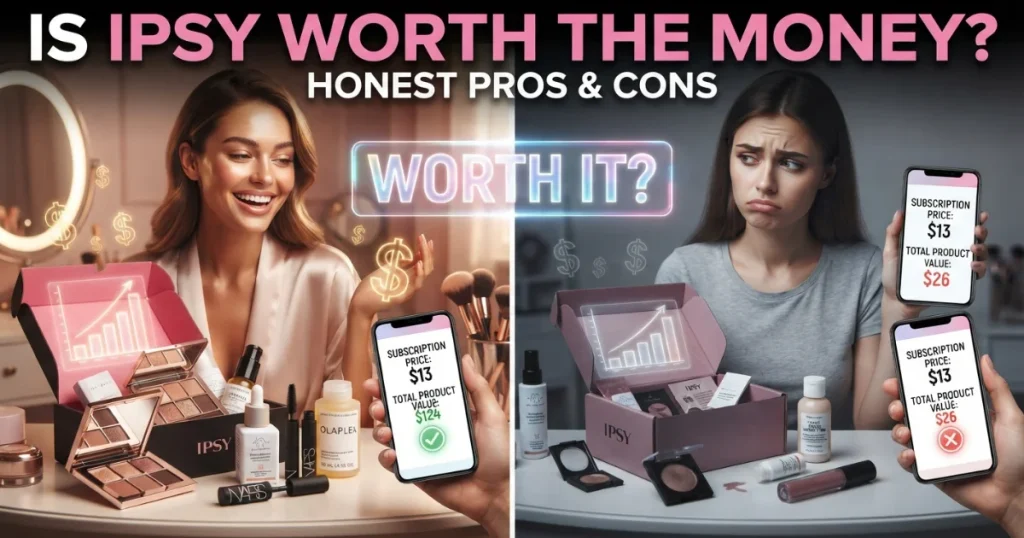
Here’s where facts matter more than opinion. Ipsy’s entry-level Glam Bag starts around $13 a month for five sample-size beauty products, based on pricing listed on Ipsy’s own site. That works out to roughly $2.60 per item — competitive for trial-size cosmetics.
The real value question isn’t the price. It’s whether you’ll actually use what you get and whether you’ll remember to manage your renewal date. Subscribers who forget to check their billing cycle are the ones most likely to end up frustrated by an unwanted charge.
If you like trying new beauty products and don’t mind the occasional miss, the cost-per-item makes sense. If you tend to forget subscriptions exist until the charge hits your statement, set a calendar reminder before your renewal date each cycle.
FAQs About Ipsy Cancellation & Refunds
Can I cancel my Ipsy subscription and get a refund?
Yes, you can always cancel. Refund eligibility depends on your plan and timing — monthly charges that have already processed are usually non-refundable, while annual plans may qualify for a refund only if canceled before renewal.
Why can’t I cancel my Ipsy membership?
This is often a technical or timing issue — a pending order, an outdated app, or a mid-cycle account lock. Clearing your cache or contacting support usually resolves it.
Why is Ipsy still charging me after I cancelled?
Your cancellation likely came in after the renewal charge had already processed, or your subscription is managed through an app store rather than Ipsy directly.
Can I get a refund after cancelling my subscription?
Sometimes. Refunds are more likely for billing errors, duplicate charges, or unshipped orders — not for used monthly boxes.
Is Ipsy worth the money?
Based on Ipsy’s pricing, it offers a reasonable cost-per-product for beauty samples. Value depends on how consistently you use the products and manage your renewal date.
How do I cancel my Ipsy subscription?
Go to Account Settings, select Membership, then Cancel Subscription. You’ll receive an email confirming the cancellation.
Conclusion
Ipsy’s cancellation process itself is simple. The refund side takes more attention, especially around renewal timing and plan type. Knowing your billing cycle — and canceling before it renews — is the easiest way to avoid an unwanted charge.
Abroy William is a consumer rights researcher and retail policy strategist with over a decade of experience analyzing corporate refund frameworks, consumer protection laws, and retail supply chains across North America.